For builders
Build it once. Sell it for real.
An AI assistant can get you to a demo in an afternoon. Sidechat handles everything after it, so what you ship is a product people can sign in to and pay for.
$25
a month to build and test
$99
a month to run it for a business, or sell it


Work from the assistant you already use.
Add one server to Claude Code, claude.ai, Codex, Cursor or VS Code Copilot and your assistant can build, publish and run apps in your workspace.
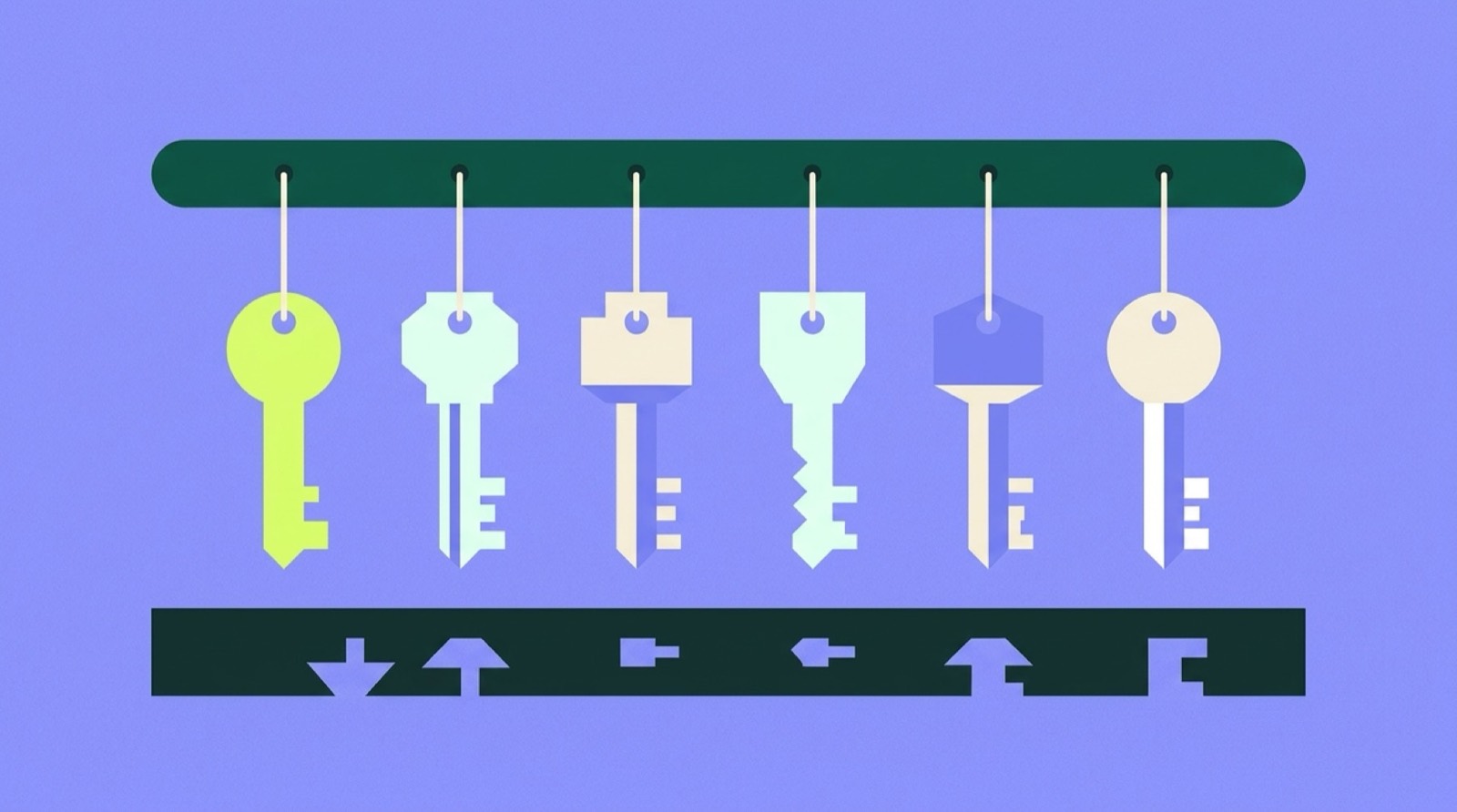
The hard parts are handled.
Sign-in, payments, hosting, your own domain and a vault for passwords and keys come with every app. You write the part that is yours.
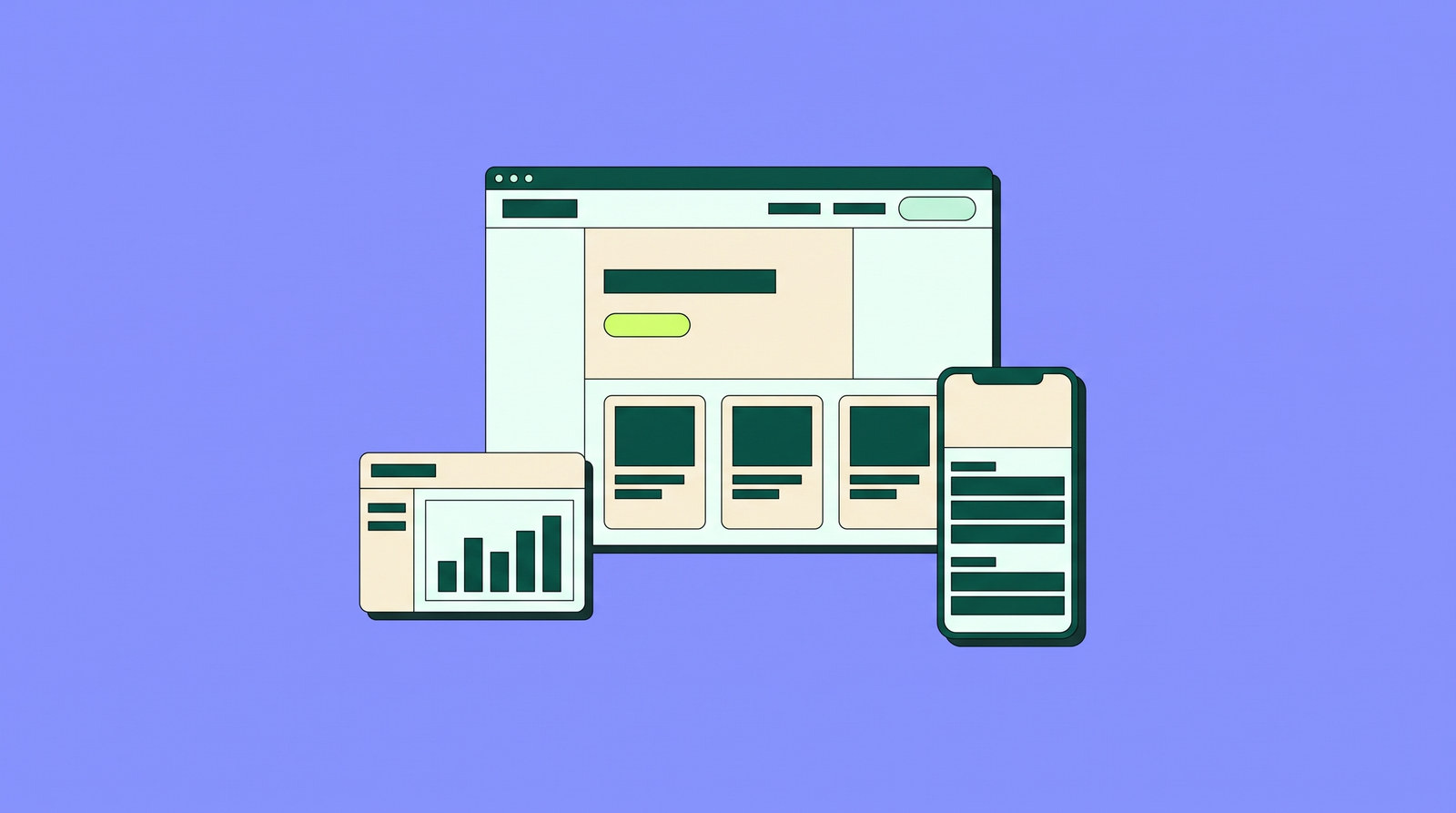
Charge for what you build.
Set plans and prices, and checkout and payouts are built in. Your app can be listed where Claude and ChatGPT users look for tools.
01
Add the server
In Claude Code, run the command below. In claude.ai, Codex, Cursor or VS Code Copilot, add the same URL as a custom MCP server.
claude mcp add --transport http sidechat https://canopy.side.chat/mcp02
Sign in
Your client opens a Sidechat sign-in page. Tool calls then run as you, with your workspace's permissions, so arguments never carry organization or user IDs.
03
Two tools, the whole catalog
Your assistant gets search_tools and execute_tool instead of hundreds of definitions. It searches in plain words, such as “publish website”, gets ranked matches with their input schemas, and calls the one it picked.
04
Fewer tokens
The two definitions take 648 tokens. Listing every tool on a standard workspace would take 122,572, about 189 times more, before your conversation starts.
05
Try it before it is live
Publish to a staging copy at its own address, check it, then promote it. Every version is kept, so a bad release is one step to undo.
06
Same guardrails
Anything your assistant does through MCP goes through the same approvals and audit trail as everything else in your workspace. How Canopy works